
Real board
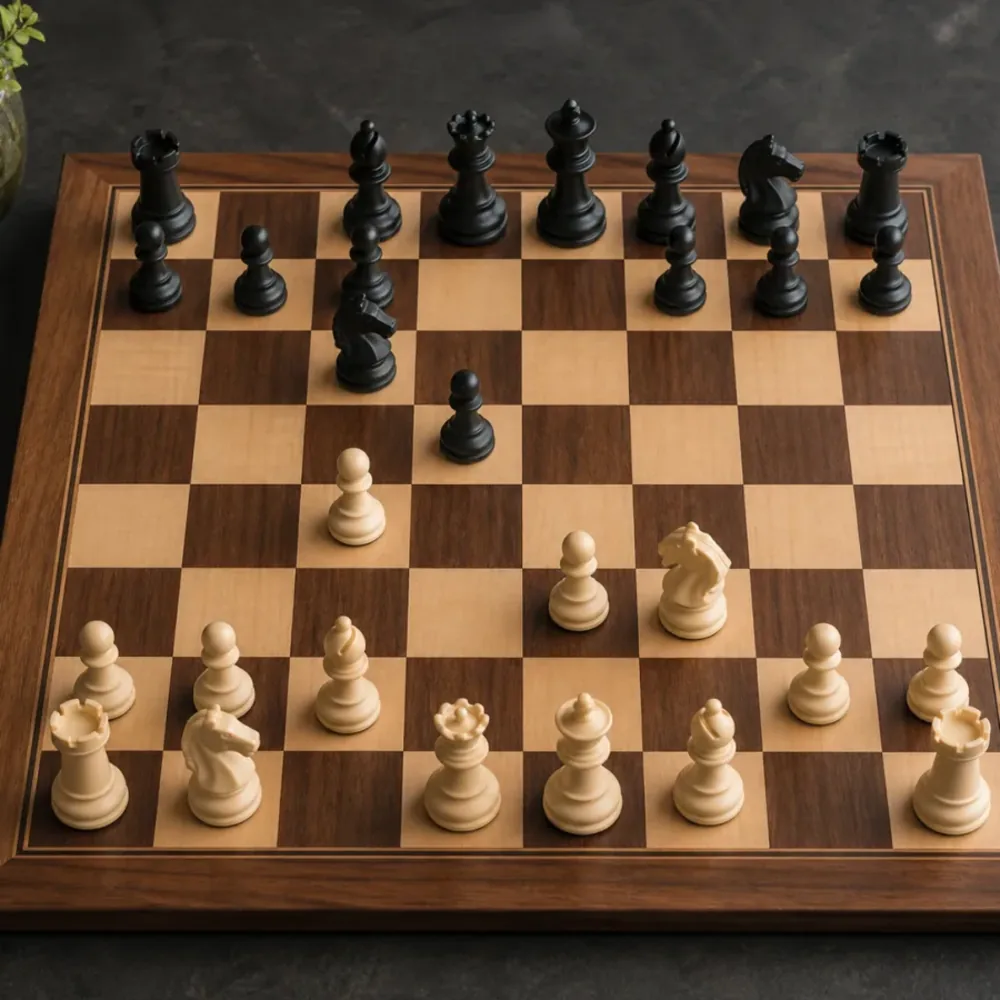
Scan the board in front of you.
Take a photo of a real chessboard. Chesspresso detects the board and pieces, then creates an editable position you can save and sync.
Scan a real board or import a 2D chessboard image. Edit the position, then analyze it with Stockfish 18.
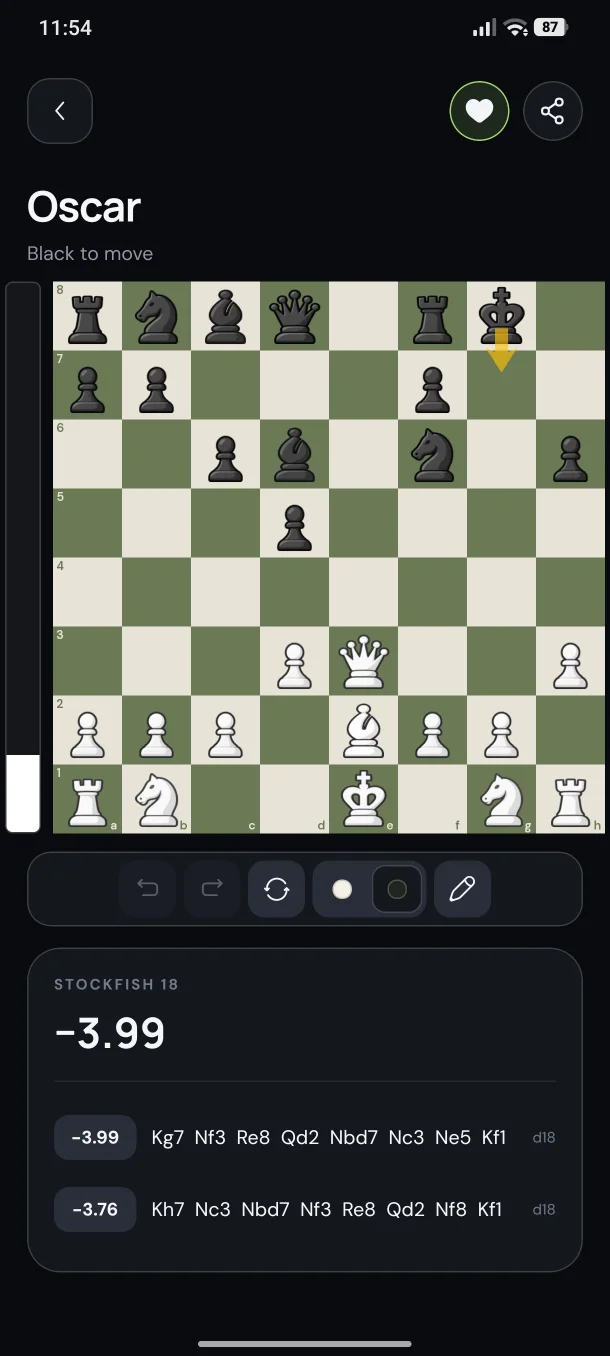
From board to analysis
Use the camera for a real board or import a 2D chessboard image. Edit the position, save it to your library, and sync it with your account.
Take a photo of a real chessboard. Chesspresso detects the board and pieces, then creates an editable position you can save and sync.
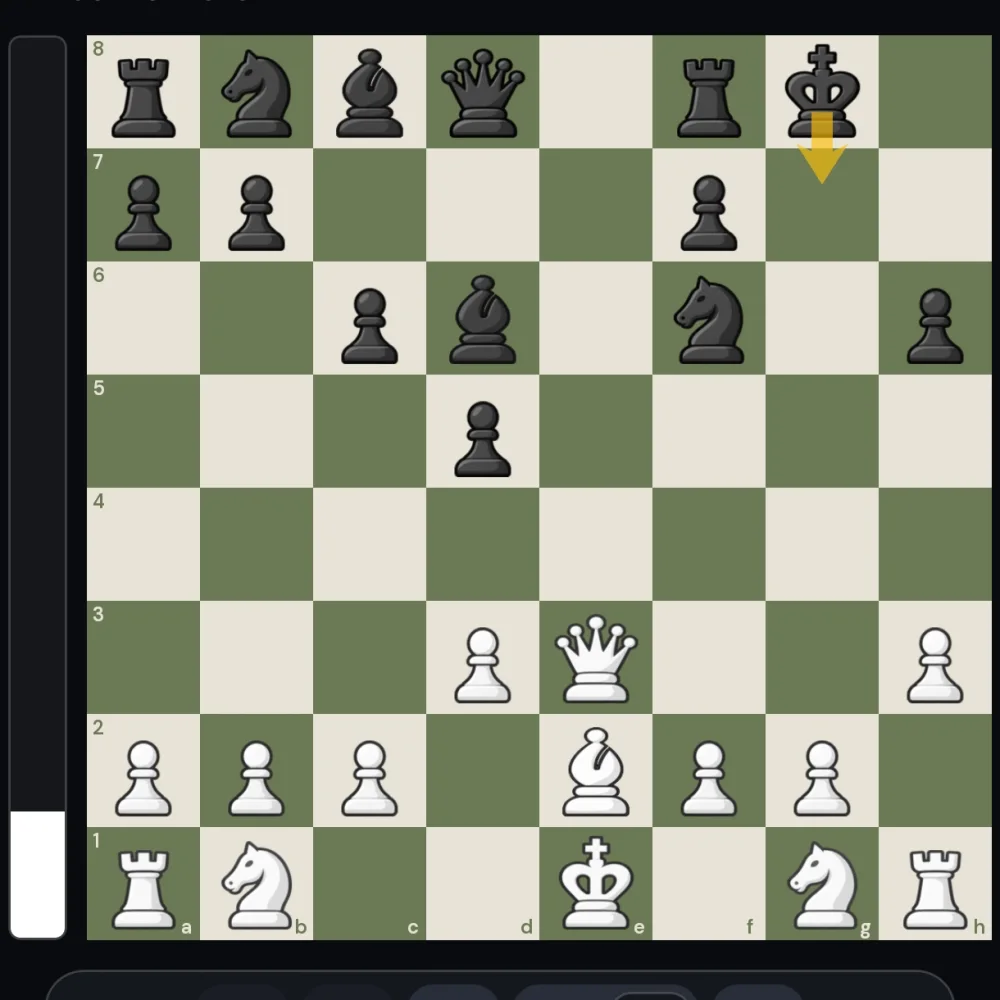
Choose a screenshot or image of a 2D chessboard and turn it into a position you can edit, save to your library, and sync with your account.
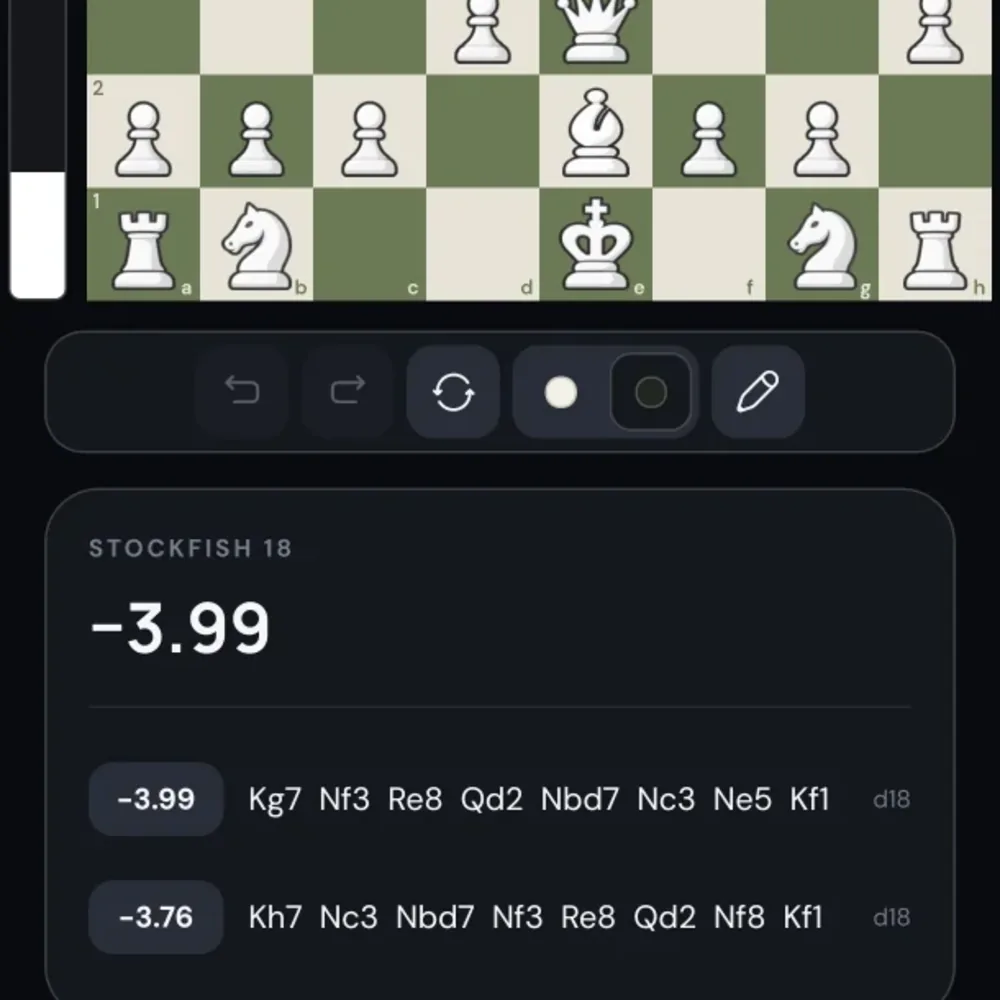
Open the position with Stockfish 18 and see the evaluation and strongest lines. Save your analysis to revisit it later.
The app in action
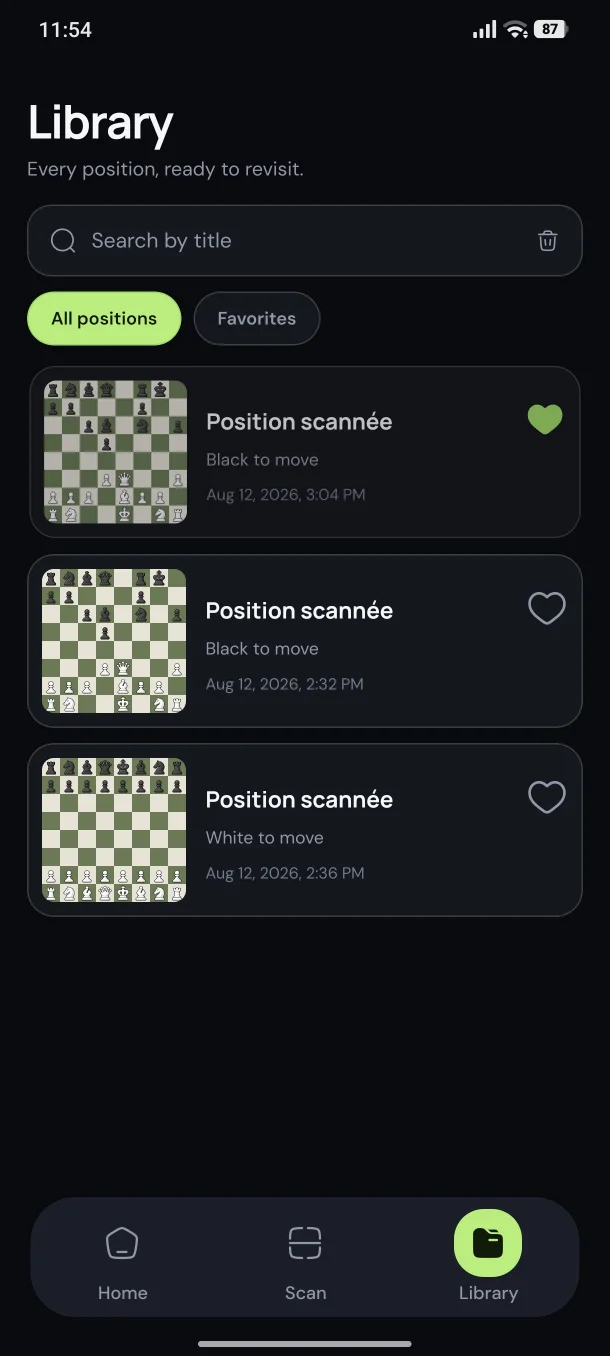
Real Chesspresso screens from Stockfish 18 analysis and your saved library.
Download Chesspresso
Scan a real board, import a 2D chessboard image, analyze with Stockfish 18, and keep the position in your library synced with your account.